Knowing if your SNAP benefits are active is important to make sure you can buy groceries. SNAP, which stands for Supplemental Nutrition Assistance Program, helps people with low incomes buy food. Checking your status regularly can prevent problems at the grocery store and ensure you always have access to the food you need. This essay will explain the various ways you can verify if your SNAP benefits are active, so you’ll always be in the know.
Checking Online Through Your State’s Website
One of the easiest ways to check your SNAP benefits is online. Almost every state has a website where you can access your account information. This is usually the quickest method and it’s available 24/7. You’ll need to find the specific website for your state’s Department of Human Services or the agency that handles SNAP.
To get started, you’ll typically need to create an account or log in if you already have one. You might need to provide some personal information to verify your identity, such as your name, address, and the last four digits of your Social Security number. Once you’re logged in, you should find a section dedicated to your benefits.
The online portal will often show you several important details. This might include your current benefit amount, the date your benefits were issued, and the balance remaining on your EBT card. You can also often see your transaction history to track how you’ve been using your benefits. Many sites offer additional features like the ability to change your address or report a lost or stolen EBT card. Here are some things you can typically find on the website:
- Current Benefit Balance
- Transaction History
- Benefit Issuance Dates
- Personal Information Updates
You can usually log in to your state’s website and check your SNAP benefit status by looking for a section labeled “Benefits,” “EBT,” or something similar, after logging in. This is the most common and convenient way to check.
Using the EBT Card Hotline
Checking by Phone
Another easy way to find out about your SNAP benefits is by using the EBT card hotline. This is a phone number you can call to get information about your account. The number is usually printed on the back of your EBT card. The hotline is often available 24 hours a day, 7 days a week, so you can check your benefits whenever you need to.
When you call the hotline, you’ll likely need to enter your EBT card number and possibly your PIN. The automated system will then provide you with information about your account balance, recent transactions, and the date your benefits were issued. Sometimes, you can also speak to a customer service representative for help.
Here are some common things you can do by calling the EBT hotline:
- Check your current balance
- Review recent transactions
- Change your PIN
- Report a lost or stolen card
- Get information on benefit availability
Most of the time, you’ll go through a series of automated prompts, such as “Press 1 for balance information, Press 2 for recent transactions” and so on. Make sure to listen to the options carefully. Calling the EBT hotline is a simple way to manage your benefits.
Checking at the Grocery Store or ATM
Using Your EBT Card at a Machine
You can also check your SNAP benefits by using your EBT card at a grocery store or an ATM that accepts EBT cards. This is a quick way to check your balance before you start shopping. It works similar to using a debit card.
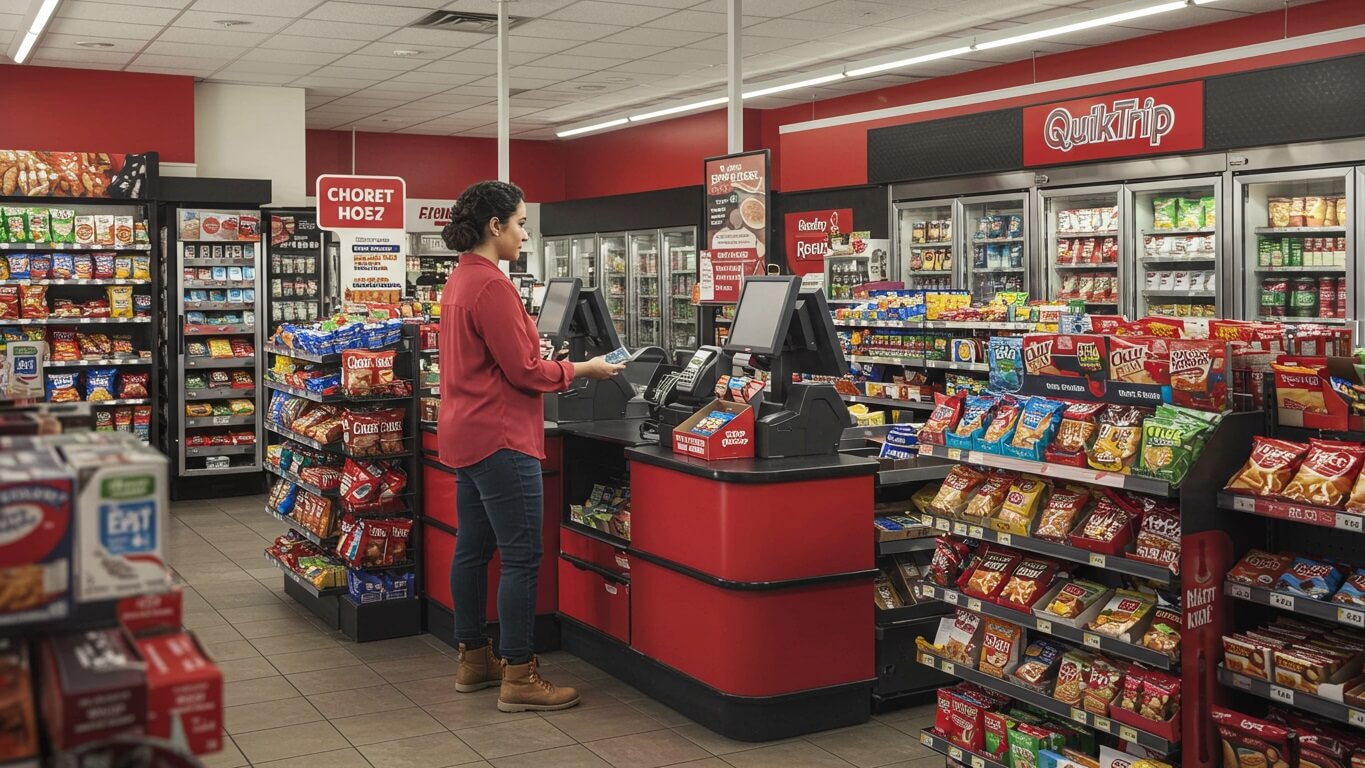
When you’re at the grocery store, you can swipe your card at the checkout and ask the cashier to tell you your balance. Many grocery stores also have self-service kiosks where you can check your balance. Just insert your card and follow the instructions on the screen. You’ll be asked to enter your PIN, which is a four-digit number that you created when you received your EBT card.
Similarly, you can use your EBT card at an ATM that accepts EBT cards. This allows you to check your balance. However, you can only withdraw cash benefits, not your food benefits. The ATM will ask you to enter your PIN just like you would with a regular debit card. Remember, there may be a small fee for using an ATM. Here is what you can do at the ATM:
- Insert your EBT card.
- Enter your PIN.
- Select “Balance Inquiry” or “Check Balance.”
- View your balance on the screen.
- Withdraw cash benefits (if applicable).
Visiting Your Local SNAP Office
Visiting the SNAP Office
Visiting your local SNAP office is another way to check your benefit status. This is a good option if you prefer to speak to someone in person or if you have more complex questions. You can find the address of your local SNAP office by searching online or by contacting your state’s Department of Human Services.
When you visit the office, you’ll usually need to provide some form of identification, such as a driver’s license or a state-issued ID. You might also need to bring your EBT card. You can speak to a caseworker who can look up your account information and answer any questions you have. It’s a great way to clear up any confusion.
The office staff can help you with various services. They can also help you to apply for SNAP benefits, change your address, or report a lost or stolen EBT card. Before visiting, make sure to check the office hours and whether you need to make an appointment. Here is a list of things you can do at the SNAP office:
| Service | Description |
|---|---|
| Check Benefits | Caseworkers can check your current status. |
| Application | Help with applying for benefits. |
| Change Info | Update your address or other personal details. |
| Card Help | Report a lost/stolen card, or order a replacement. |
Using Mobile Apps (If Available)
Using Mobile Apps
Some states offer mobile apps that allow you to manage your SNAP benefits on your smartphone or tablet. These apps can be a convenient way to check your balance, view your transaction history, and find retailers that accept EBT cards. These apps are also another easy way to stay connected.
To use a mobile app, you’ll typically need to download it from your device’s app store (like the Google Play Store or the Apple App Store). Then, you’ll need to create an account or log in using your existing SNAP account information. The app will then allow you to access your benefit information and manage your account.
These apps often provide features like push notifications to alert you when your benefits are issued or when your balance is low. You can also find retailers that accept EBT cards. These apps can be a convenient way to manage your benefits on the go. Here is a comparison of features that can be available on a mobile app:
- Balance Check: Quickly view your current balance.
- Transaction History: See where you’ve spent your benefits.
- Notifications: Get alerts about your benefits.
- Retailer Finder: Locate stores that accept EBT.
- Account Management: Update your personal details.
Contacting Customer Service
Contacting Customer Service
If you’re still unsure about your SNAP benefit status, you can always contact the customer service department. The customer service phone number is usually on the back of your EBT card or on the website for your state’s SNAP program. You can contact the customer service department anytime to get help.
When you call, you’ll likely be asked to provide some personal information to verify your identity. The customer service representative can then look up your account information and answer any questions you have. They can also help you troubleshoot any problems you might be experiencing with your EBT card or benefits.
Customer service is a helpful resource for complex issues. They’ll also answer questions that can include things such as how to replace a lost or stolen card, how to dispute a transaction, or how to report fraud. Contacting customer service is a good backup option if you’re unable to find the answer to your questions. Here’s what customer service representatives can help with:
- Answering benefit related questions
- Solving card problems
- Reporting and disputing fraud
- Providing account help
Customer service is designed to help with more advanced problems. They also help you if you can’t access your benefits online.
Conclusion
In conclusion, there are several reliable ways to verify if your SNAP benefits are active. Whether you choose to use online portals, call the EBT card hotline, use your card at a grocery store, visit the SNAP office, utilize a mobile app, or contact customer service, you can easily access the information you need. By utilizing these methods, you can ensure that you always have access to your benefits and can plan your grocery shopping accordingly. Staying informed about your SNAP status helps you manage your food budget effectively and maintain a steady supply of food for you and your family.